/
Streaming News
Streaming News
- Zane Ullman (Unlicensed)
- Garland Brown (Deactivated)
Owned by Zane Ullman (Unlicensed)
Searching and Filtering
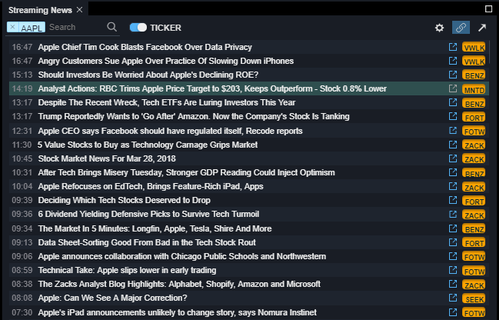
To filter your news by a particular symbol, click the toggle on the right of the search box so that it displays "TICKER" and then type your symbol into the search box.
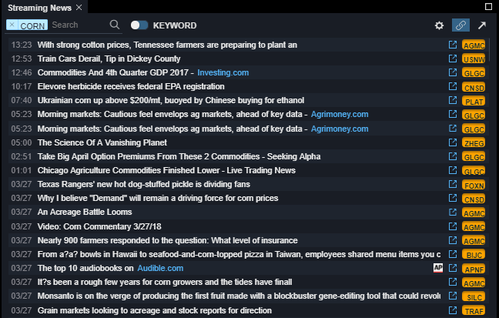
To filter your news by a particular word, click the toggle on the right of the search box so that it displays "KEYWORD" and then type your word into the search box.
Using the Settings Menu
Opting into or out of Sources
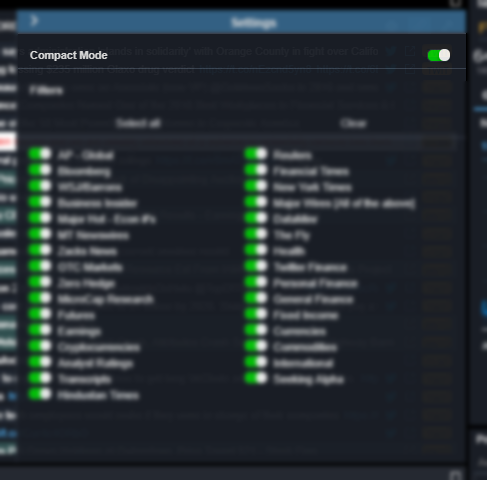
To only view a particular source (e.g. AP or Business Insider), click the settings wheel in the upper right portion of the component. You can toggle sources on and off from this menu by clicking on the switches.
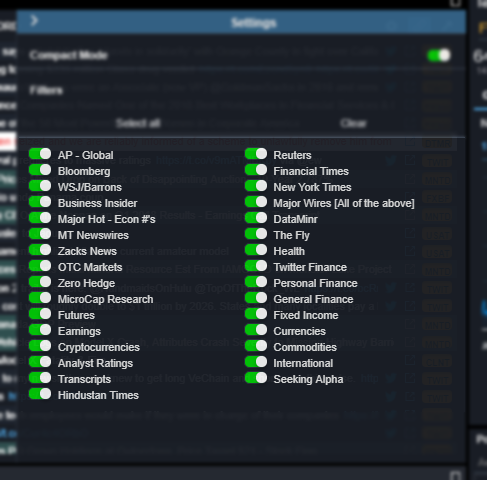
Toggling Compact Mode
Click the settings wheel in the upper right portion of the component. You can toggle the compact mode on and off from this menu by clicking on the switch for it.